

Welcome to the OnDeck network
Thank you for partnering with OnDeck Marketing!
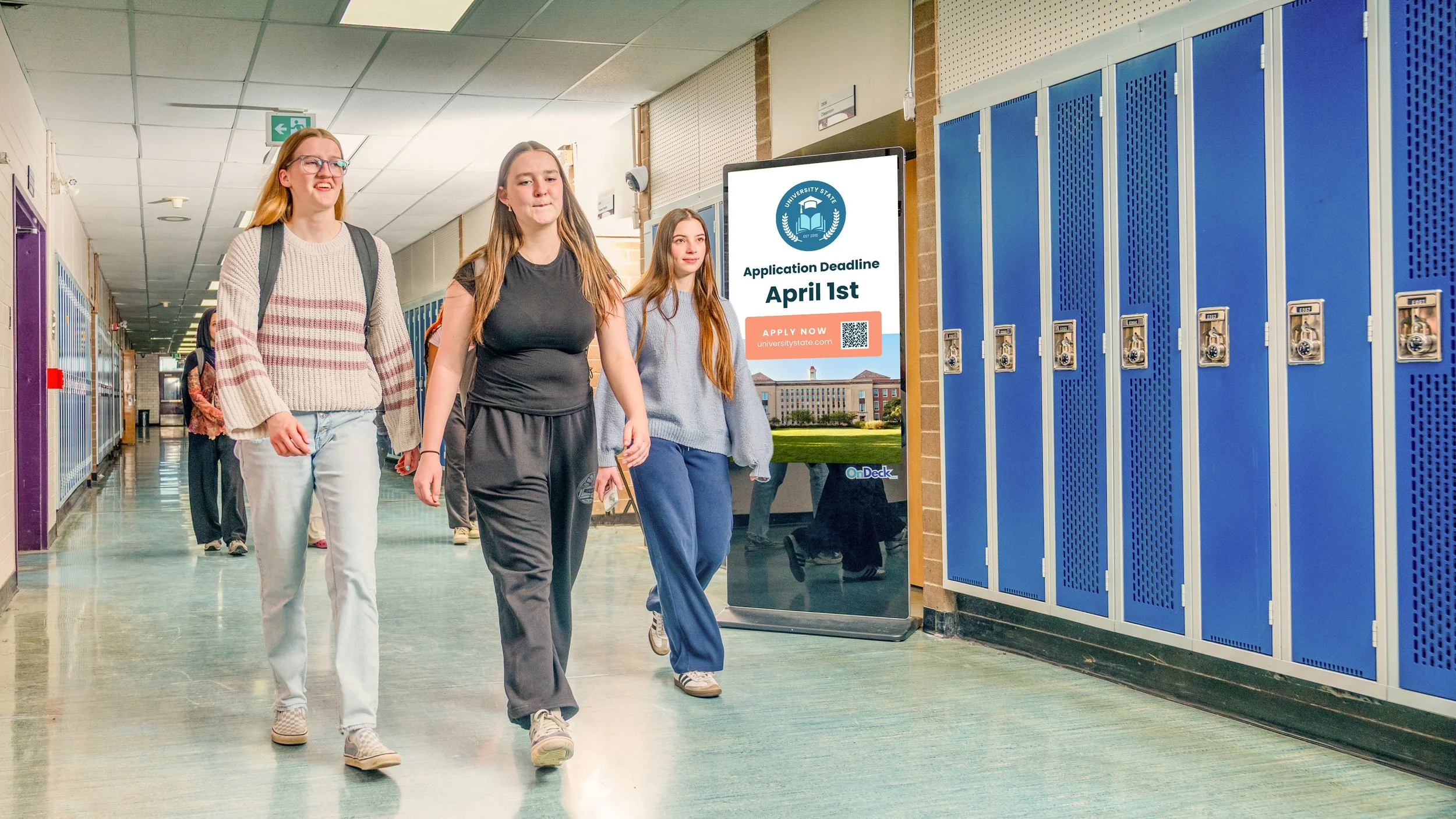
OnDeck brings college, university, trades, and other post-secondary options right into your hallway. Students see their options where they already spend time, without needing to search for them or ask.
This page is your home base for everything related to your in-school screen(s). Check your specs are right, submit new creative, or get help when something's off.
Here's your team
Mickey and Liam work as a team and are both available to any partner needing assistance, regardless of region.
*That said, all content uploads, screen issues, and contact changes should go through the forms listed on this page first — not straight to their inboxes.

Mickey Annich
Partnership & Operations Manager
mickey@ondeckmktg.com
Primary contact for Canada partners

Liam Scully
School Partnerships & Field Manager
liam@ondeckmktg.com
Primary contact for US partners
CONTENT & CREATIVE
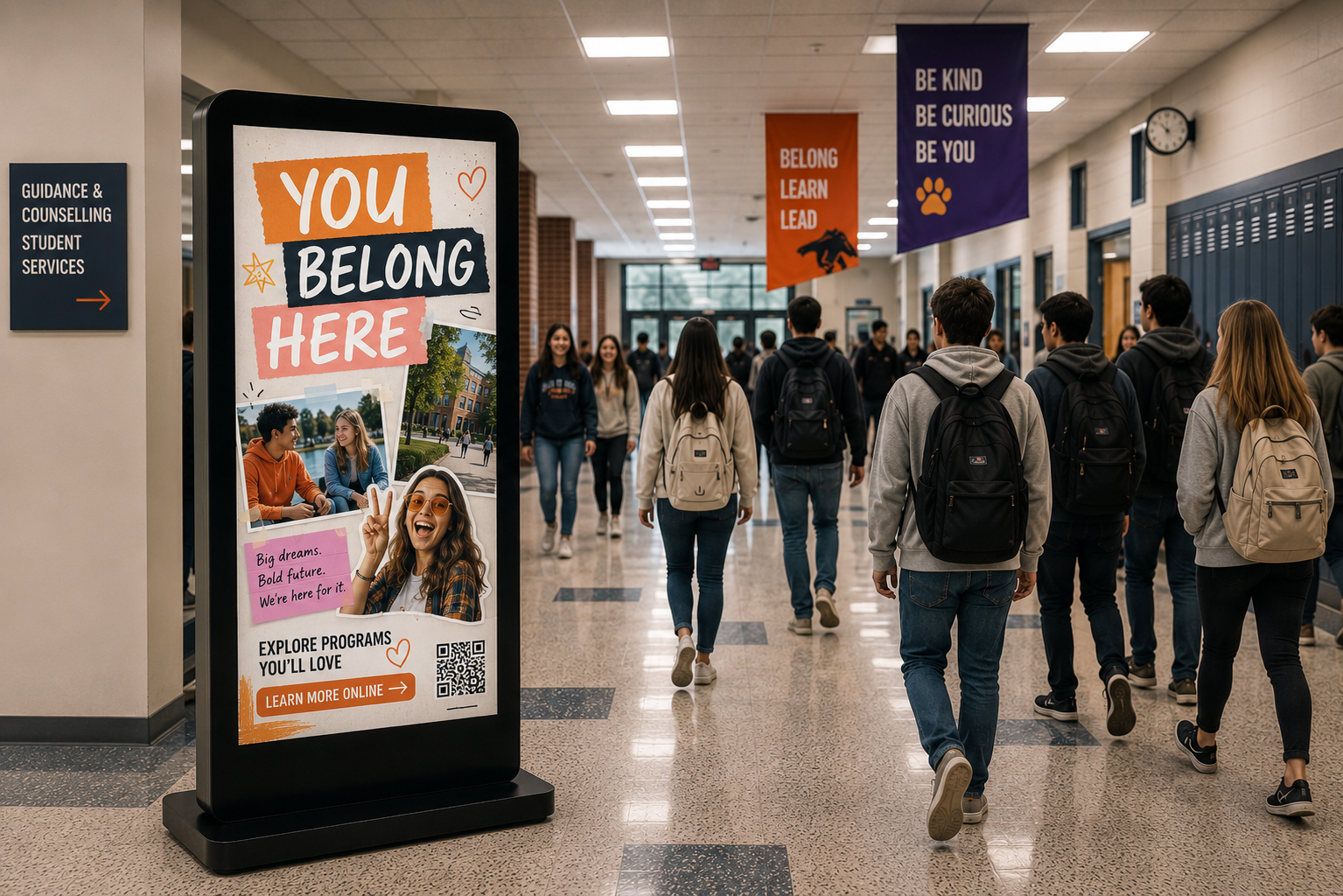
Your screen is your space. Post whatever's relevant to your students, things like:
Be creative, be bold! Anything relevant to your students is welcome.
How to submit screen creative
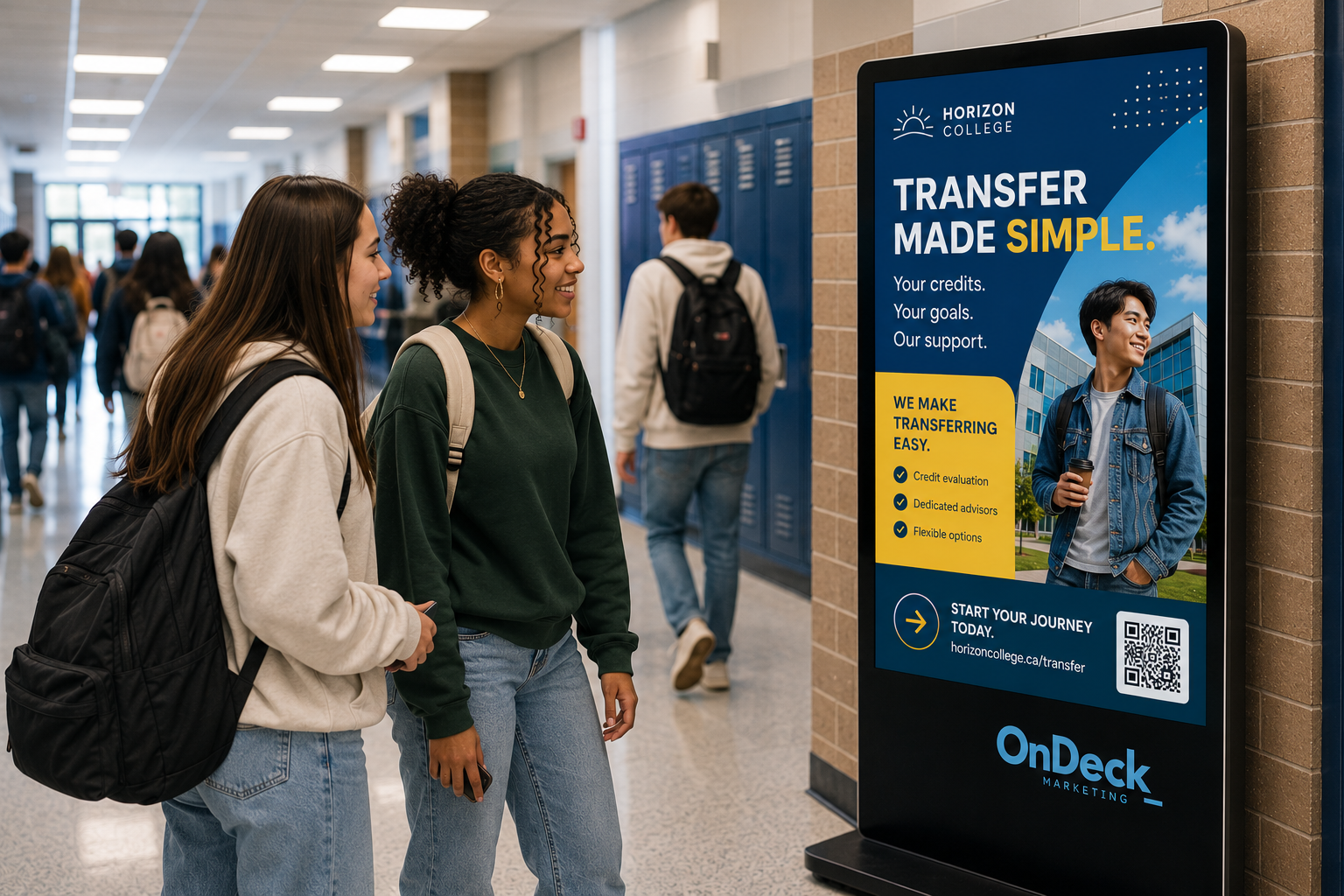
Design your content in Canva, Adobe, or whatever tool you prefer. Download the “Spec sheet” below for size, format, and file naming requirements, then submit through the “Submit creative” upload form.
*This replaces the need to email any creative to partners@ondeckmktg.com.
Keep in mind: OnDeck doesn't edit or resize submitted images, so make sure yours matches the spec sheet before you send it. Your current content comes down before the new piece goes up.
Something off? Let’s fix it!
See below for self-serve troubleshooting steps, helpful guides, and how to report an issue if the problem persists.
Check these first
-
Confirm the power cord is fully seated at both the outlet and the back of the board.
Check both antennas are screwed in tightly at the base.
Check the power switch on the back is pressed to "on."
-
Reseat the power cord and switch, then wait 1 minute for content to resume.
-
Skip these steps and go straight to the ticket form below.
Helpful guides
Still need a hand?
Submit a support ticket. This is the fastest way to reach us.
If you don't hear back within 2 working days, send an email to your partner rep.
FAQs
-
Design your piece, follow the file specs below, and submit it through the creative content upload form. That replaces emailing creative directly.
-
9:16 portrait, 1080x1920 or 720x1280px, saved as .jpg, .png, or .pdf at full quality. No .gifs. Review the spec sheet here.
-
48 hours.
-
Absolutely! Within the submission form, simply select the applicable start and end date for your content and we will handle the scheduling.
-
Yes, we would love to help out with this! Email partners@ondeckmktg.com with your details content for an event in your school and we will set it all up for you. Once your event is over, your regular content will resume playing.
-
Give it 2 business days, then check the content upload form to review the status of your submission. If you still don’t see it after that, email partners@ondeckmktg.com.
-
Start with the troubleshooting steps in the Screen Issues section above (power cord, antennas, power switch). If that doesn’t resolve it, submit a ticket.
-
Both inquiry types start with a form submission — the screen issue ticket form for technical problems, the content upload form for creative. Mickey and Liam are your relationship contacts, not the first stop for either.
Contact changes
Stepping away from being OnDeck's on-site contact? Let us know so we can route content and screen-issue communication to the right person. If you already know who's taking over, please include their name and email.